shiro2
AI-摘要
Smith GPT
AI初始化中...
介绍自己 🙈
生成本文简介 👋
推荐相关文章 📖
前往主页 🏠
了解更多
shiro2
SmithShiro 五表整合
1.环境准备
导入springboot_shiro项目,并执行menu.sql
导入ShiroConfig
1
2
3
4
5
6
7
8
9
10
11
12
13
14
15
16
17
18
19
20
21
22
23
24
25
26
27
28
29
30
31
32
33
34
35
36
37
38
39
40
41
42
43
44
45
46
47
48
49
50
51
52
53
54
55
56
57
58
59
60
61
62
63
64
65
66
67
68
69
70
71
package com.cjc.config;
import com.cjc.realm.LoginRealm;
import org.apache.shiro.authc.credential.HashedCredentialsMatcher;
import org.apache.shiro.spring.web.ShiroFilterFactoryBean;
import org.apache.shiro.web.filter.mgt.DefaultFilter;
import org.apache.shiro.web.mgt.DefaultWebSecurityManager;
import org.springframework.context.annotation.Bean;
import org.springframework.context.annotation.Configuration;
import java.util.LinkedHashMap;
/**
*/
public class ShiroConfig {
public LoginRealm loginRealm(){
LoginRealm loginRealm = new LoginRealm();
loginRealm.setCredentialsMatcher(hashedCredentialsMatcher());
return loginRealm;
}
public DefaultWebSecurityManager defaultWebSecurityManager(){
DefaultWebSecurityManager defaultWebSecurityManager = new DefaultWebSecurityManager();
//关联loginRealm
defaultWebSecurityManager.setRealm(loginRealm());
return defaultWebSecurityManager;
}
public ShiroFilterFactoryBean shiroFilterFactoryBean(){
ShiroFilterFactoryBean shiroFilterFactoryBean = new ShiroFilterFactoryBean();
//设置安全管理器
shiroFilterFactoryBean.setSecurityManager(defaultWebSecurityManager());
//设置拦截路径
LinkedHashMap<String, String> map = new LinkedHashMap<>();
map.put("/loginController/**", DefaultFilter.anon.name());
//放开js静态资源
map.put("/js/**", DefaultFilter.anon.name());
//退出登录
map.put("/logout", DefaultFilter.logout.name());
//其余路径 统统拦截
map.put("/**", DefaultFilter.authc.name());
//放入过滤器中
shiroFilterFactoryBean.setFilterChainDefinitionMap(map);
//设置登录页面
shiroFilterFactoryBean.setLoginUrl("/loginController/toLogin");
//设置没有权限页面
shiroFilterFactoryBean.setUnauthorizedUrl("/loginController/unauthorizedurl");
return shiroFilterFactoryBean;
}
public HashedCredentialsMatcher hashedCredentialsMatcher(){
HashedCredentialsMatcher hash = new HashedCredentialsMatcher();
//指定加密方式
hash.setHashAlgorithmName("md5");
//指定加密次数
hash.setHashIterations(7);
//指定编码
hash.setStoredCredentialsHexEncoded(true);
return hash;
}
}
2.开发五表的登录认证
- 创建LoginRealm类
1 | public class LoginRealm extends AuthorizingRealm { |
- 修改ShiroConfig类,更换成自己的LoginRealm类并且设置拦截路径
1 |
|
- 修改原始登录逻辑,换成shiro控制
1 |
|
- 在LoginRealm中增加登录判断代码
1 | public class LoginRealm extends AuthorizingRealm { |
- 修改获取树形菜单代码
1 | //查询treeView菜单树 |
3.开发五表的权限认证
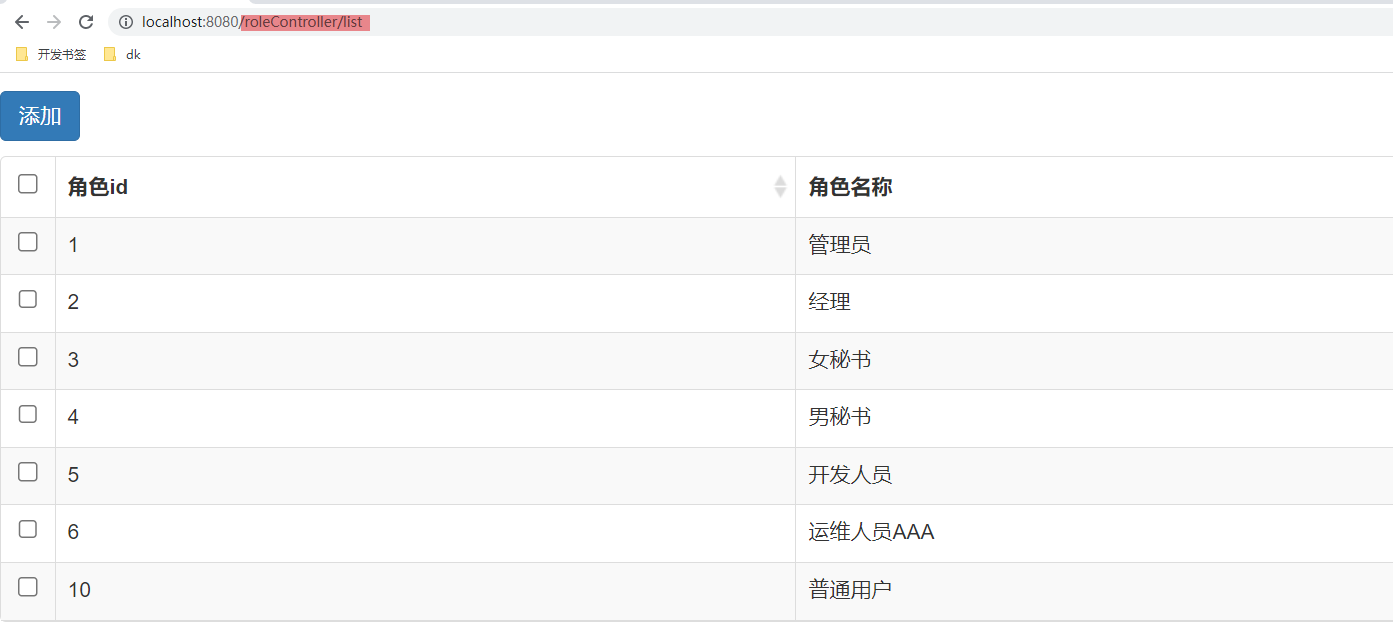
通过上面测试发现,只要是登录成功的用户,在改变访问地址后,依旧可以访问相关路径的资源,因此需要给各个资源加入权限认证。
- 在ShiroConfig中加入权限路径
1 | //配置用户管理,角色管理拦截路径 |
- 测试
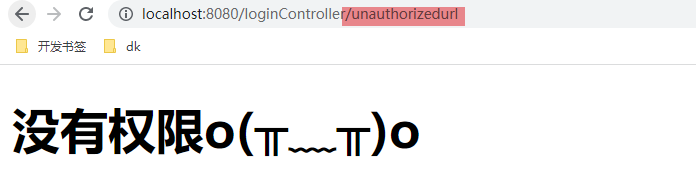
- 配置用户管理,角色管理权限
1 |
|
注意:
findMenuByPersonPerms方法可以通过修改mapper.xml文件获取权限字符串列表
1 | <!-- 根据用户id,查询用户所拥有的perms权限列表 --> |
- 测试
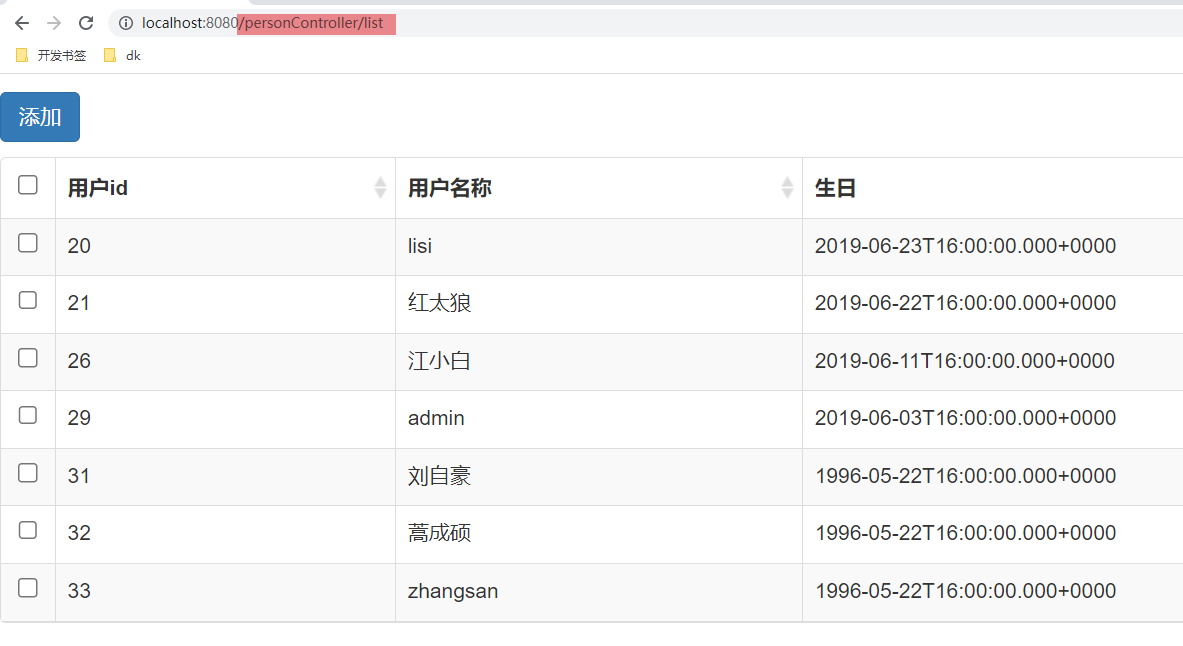
4.按钮权限控制
4.1 设置按钮无权限访问
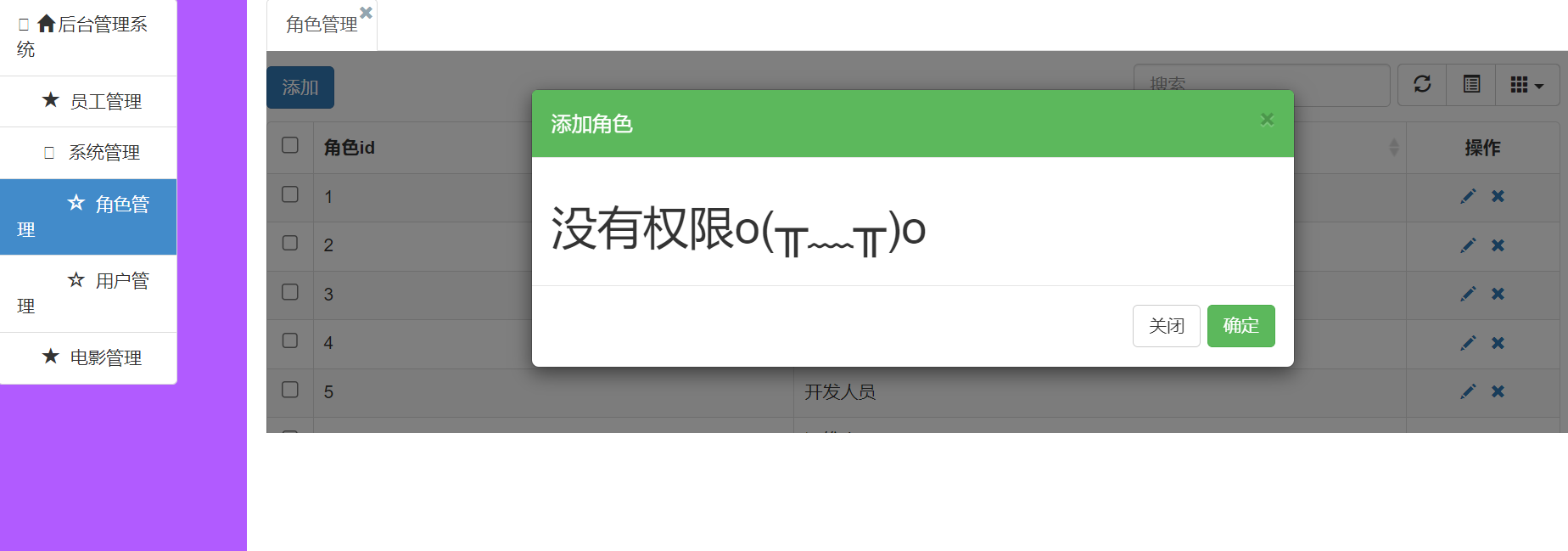
普通用户登录成功之后是可以使用角色管理的添加功能的,这个时候如果我们不想让普通用户使用添加功能,那么就应该把权限控制到按钮。
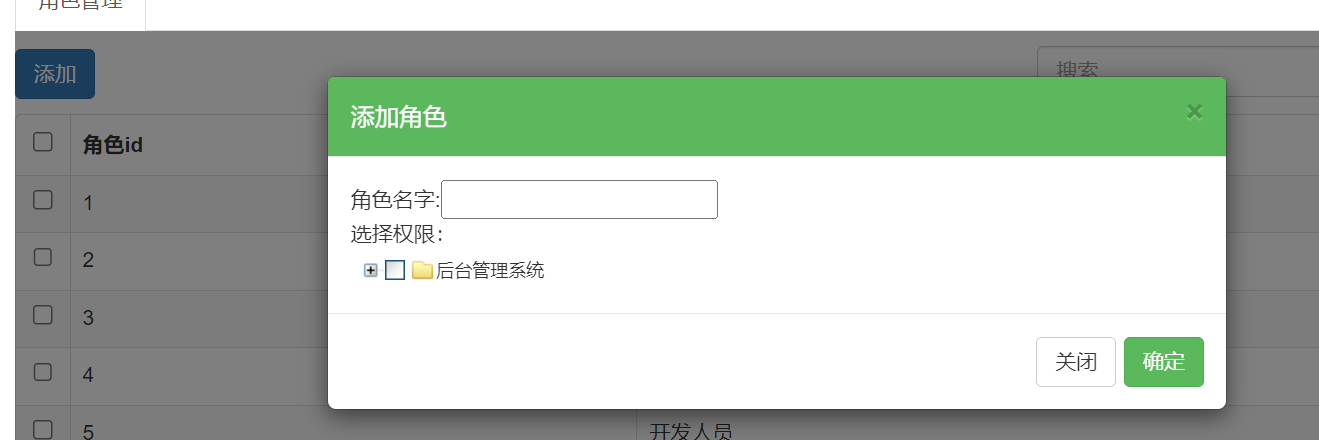
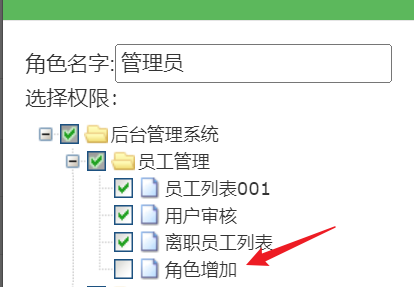
- 使用管理员操作【资源管理】,增加【角色增加】的功能
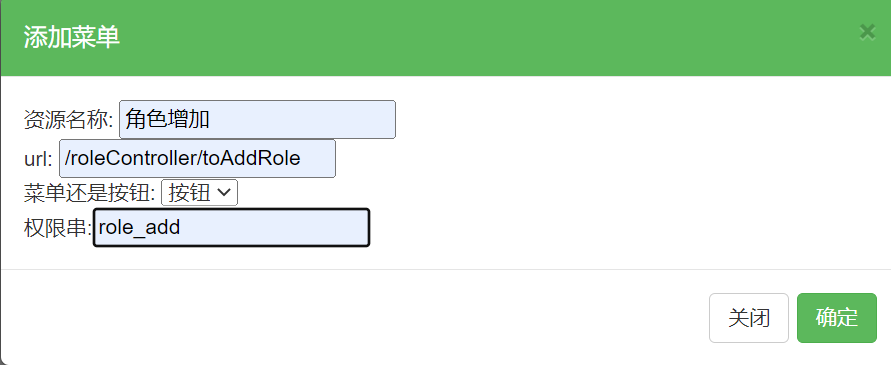
- 使用管理员的角色管理为自己增加【角色增加】功能
- 在ShiroConfig中增加【角色增加】代码
1 | //增加角色配置 |
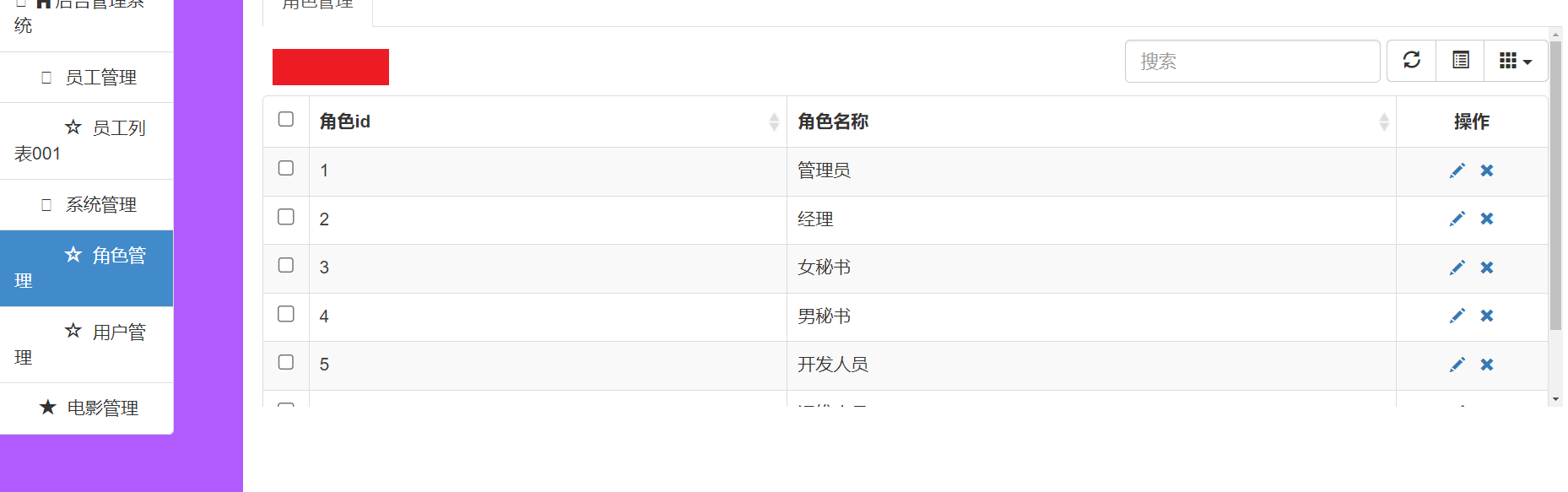
4.2 隐藏按钮选项
- 导入java包
1 | <!-- thymel对shiro的扩展坐标 --> |
- 添加ShiroDialect配置
1 |
|
- d导入命名空间以及在按钮处添加shiro标签
1 | <html lang="en" xmlns:th="http://www.w3.org/1999/xhtml" xmlns:shiro="http://www.w3.org/1999/xhtml"> |
- 测试
4.3 去除重复菜单
- 使用admin登录系统后发现,针对于角色增加功能重复
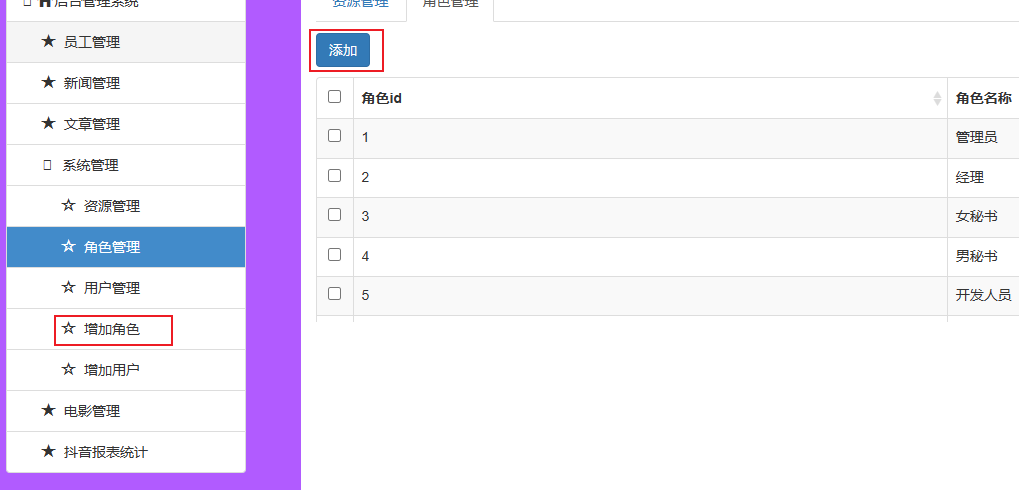
- 解决:修改查询菜单sql语句,加入menu表中button判断条件即可
1 | <!-- 根据用户id,查询用户所拥有的权限 --> |
- 测试: